


Ampler App: GPS, Electronic Locking and Riding Without a Phone
The Ampler app brings together functions that owners can easily confuse: assistance settings, location information and electronic locking. Knowing which function you are using matters when a phone is unavailable or a location looks out of date. This reference separates the documented behaviours from assumptions about continuous tracking. Browse the Ampler guides for the wider ownership context.
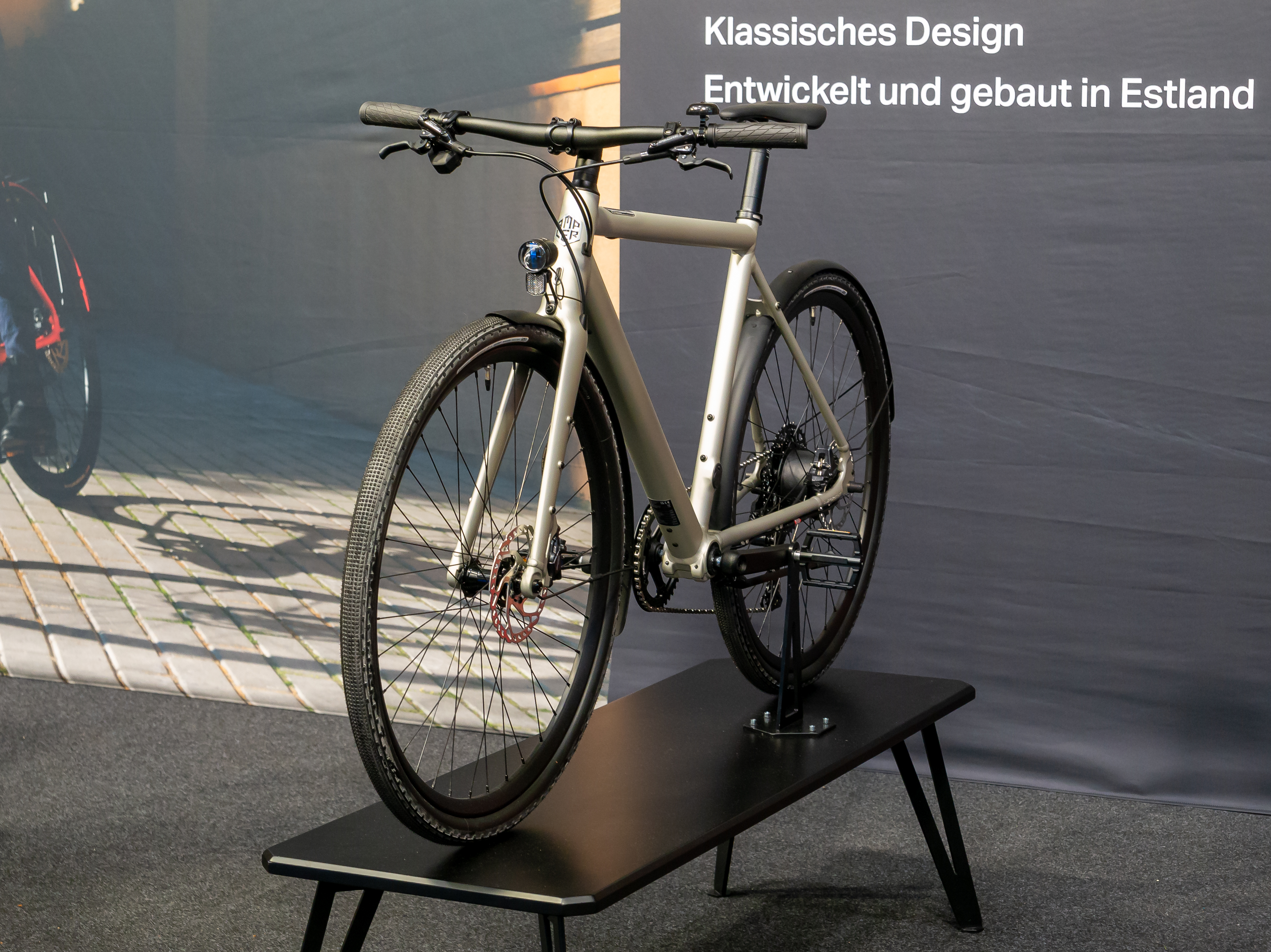
Separate Ampler app controls from physical controls
According to the manufacturer’s app FAQ, ordinary riding does not require the app: the frame button operates power, lights and support levels. The same page describes electronic locking as disabling that physical button until the bike is unlocked through the app. Those statements need to be read together.
Before leaving your phone behind, check the actual bicycle’s lock state and demonstrate its controls while stationary. Do not interpret “ride without the app” as evidence that an electronically locked bicycle can always be unlocked without it. Keep generation-specific instructions with the bicycle, particularly when more than one household member uses it.
Make a short personal record of which controls you have successfully used. Include the bicycle’s model and the date of the check. This creates a useful baseline when a later problem appears, rather than relying on a broad feature description that may concern different hardware.
Read location information as a status report
Ampler says location reporting depends on GPS and GSM conditions; when GPS is unavailable, the app can show the last confirmed location. Its FAQ also says continuous live tracking during riding is unsupported. A map pin therefore needs context before you use it to conclude where the bicycle is at that moment.
If a location appears wrong, first compare the displayed information with the bicycle’s known position and any available timestamp. Record whether the bicycle was underground or otherwise unable to obtain a signal. That observation is more useful for investigating the issue than repeatedly treating the same stored position as a new report.
There is also a current operational qualification: the owner notice warns that some systems may not work as expected. Treat the app page as documentation of intended functions, not confirmation that every connected service is operating today. Our Ampler repair-planning guide explains how to prepare useful evidence when support options are limited.
FAQ: Phone and connectivity questions
Can I normally ride without a phone?
The app FAQ says yes through the frame controls. Establish that your bike is unlocked and follow the instructions for its generation.
Does electronic locking replace a physical lock?
The documented function concerns the power button. Use a suitable physical lock for securing the bicycle rather than treating that software function as physical restraint.
Does an old map position prove the bicycle has not moved?
No. Last-confirmed information cannot establish its present position when a fresh location has not been obtained.
Use the Ampler app with a clear distinction between local controls, stored information and connected services. Confirm the functions you depend on with your own bicycle before building your daily routine around them.