


Tern GSD Gen 3 Bosch system: choose the correct owner instructions
A Tern GSD Gen 3 Bosch system should be identified before following a button sequence or requesting an electrical replacement. The current QuickStart Guide covers both the Bosch Smart System and Bosch eBike System 2. The generation name on the bicycle therefore does not, by itself, select the correct electrical instructions.
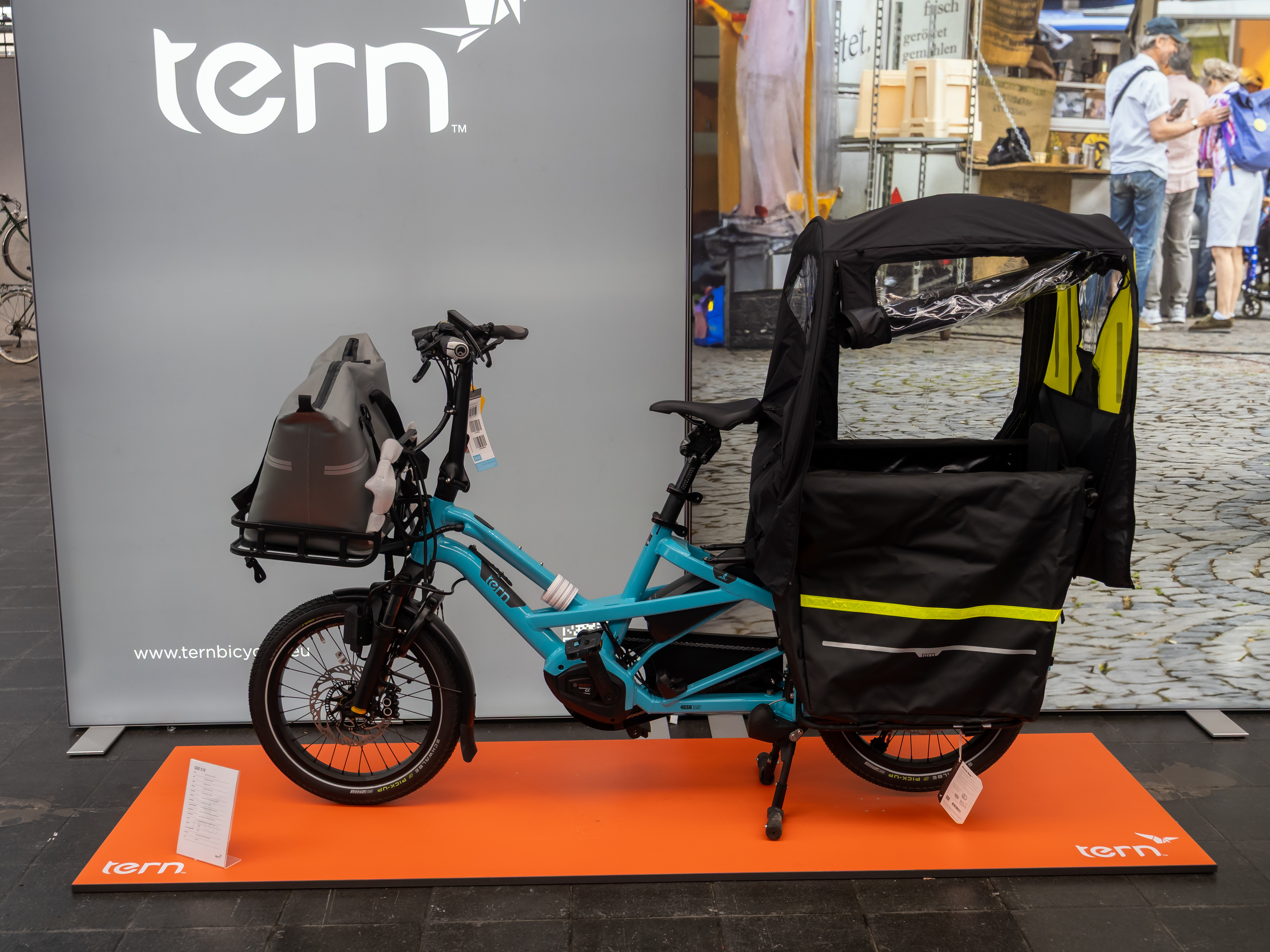
Match the Tern GSD Gen 3 Bosch system to its controls
Start with the control unit and display actually installed. Printed pages four and five introduce the Smart System arrangement, including the LED Remote and Kiox. Pages ten and eleven describe the eBike System 2 arrangement with Purion. Compare the labelled drawings with the bicycle, rather than selecting a manual because its cover shows a familiar cargo frame.
Make a small identity record with the bicycle's confirmed model, the display name and a photograph of the operating unit. Include the labels on the battery and charger when asking a dealer about electrical components. Those observations are more useful than describing the bicycle simply as a blue GSD or estimating its system from the purchase date.
Keep features attached to the relevant system
The Smart System section introduces the eBike Flow app. Tern's separate Smart System owner guide also includes Purion 200, so record the complete display name: Purion and Purion 200 must not be treated as the same identification. Likewise, apply an ABS explanation only after confirming that ABS is fitted.
The guide also gives different walk-assistance instructions and different mode lists for the two systems. These are practical reasons to identify the controls before trying a tutorial. A video showing a similar handlebar can still describe a different operating unit, so check the component names before copying its sequence.
Use the identity record for a precise support request
Tell the dealer what you are trying to do: understand a warning, replace a component or learn a control. Supply the display wording and the relevant photographs. Ask which Bosch component manual belongs with the installed equipment; the bicycle QuickStart Guide is an introduction and does not replace every component's own instructions.
For a used bicycle, retain this information with the handover documents. If its display or other electrical equipment has changed, have the present combination confirmed rather than assuming every installed part is original. The outcome should be one coherent set of instructions for the bicycle in front of you, with unresolved compatibility questions answered before parts are ordered.
Bosch system identification FAQ
Does Gen 3 automatically mean the Smart System?
No. This GSD Gen 3 guide contains separate Smart System and eBike System 2 sections; identify the actual installed equipment.
Can I identify the electrical system from frame colour?
Use the named controls, labels and dealer confirmation. Colour is not the electrical identity record described here.
Does a Smart System drawing prove my bicycle has ABS?
No. Confirm that ABS is fitted before applying its indicator instructions or requesting ABS-specific service.
Use the correct system section as the starting point for every electrical question. Browse the Tern ownership collection and the related GSD technical guide.
Primary reference: Tern GSD Gen 3 QuickStart Guide, printed pp4–7 and10–12. Tern GSD Gen 3 Smart System owner guide.