


Aventon Pace 4 Sensor Switch: Choosing Torque or Cadence Assistance
Aventon Pace 4 Sensor Switch gives owners a choice in how pedaling requests motor assistance. The useful question is how each setting responds to your effort, rather than which sensor label sounds more advanced. Establish the bicycle's firmware and controls first, then compare the two modes under familiar riding conditions.
What Aventon Pace 4 Sensor Switch changes
The Pace 4 product page lists Sensor Switch among its smart features. Aventon's dedicated explanation distinguishes torque assistance, which responds to how hard you pedal, from cadence assistance, which responds to pedal movement.
Think about the input you want to provide. If you enjoy varying your own effort and feeling assistance respond, assess torque mode first. If your aim is a more relaxed pedaling routine, include cadence mode in the comparison. Neither preference establishes that a particular setting will suit every rider or route.
Change one variable at a time during that assessment. Use the same short route and retain a comparable assist level while observing starts, steady pedaling and stopping. Make adjustments while stopped in a suitable place so that studying a display does not become part of negotiating traffic.
Confirm the update and recognize the mode
Aventon's firmware announcement explicitly includes Pace 4 in the Sensor Switch model list. It describes connecting through the Aventon:MyRide app and checking More Settings, then Update Firmware, if an update prompt does not appear. Follow the current prompts for your bicycle if the interface has changed.
The dedicated Sensor Switch instructions say to press and hold the left control button, marked <, until the cadence icon appears. Holding the same button again until that icon disappears returns the system to torque mode. Confirm the displayed result rather than assuming a button press succeeded.
If the described option is absent, note the bicycle model, app version, firmware information and any message shown. Give those details to Aventon support. Do not infer that a similar-looking display makes another Pace generation compatible, and do not substitute undocumented button combinations.
Owners interested in the bicycle's other connected functions can use our ACU security and subscription guide. Ride-response settings and remote security features answer different ownership questions.
FAQ: using Sensor Switch on Pace 4
Does cadence mode mean I no longer have to pedal?
No. Sensor Switch changes the pedal-assist response. It is a separate function from using a throttle.
How can I tell which setting is active?
Aventon's instructions identify the cadence icon as the confirmation for cadence mode. Its disappearance indicates the return to torque mode.
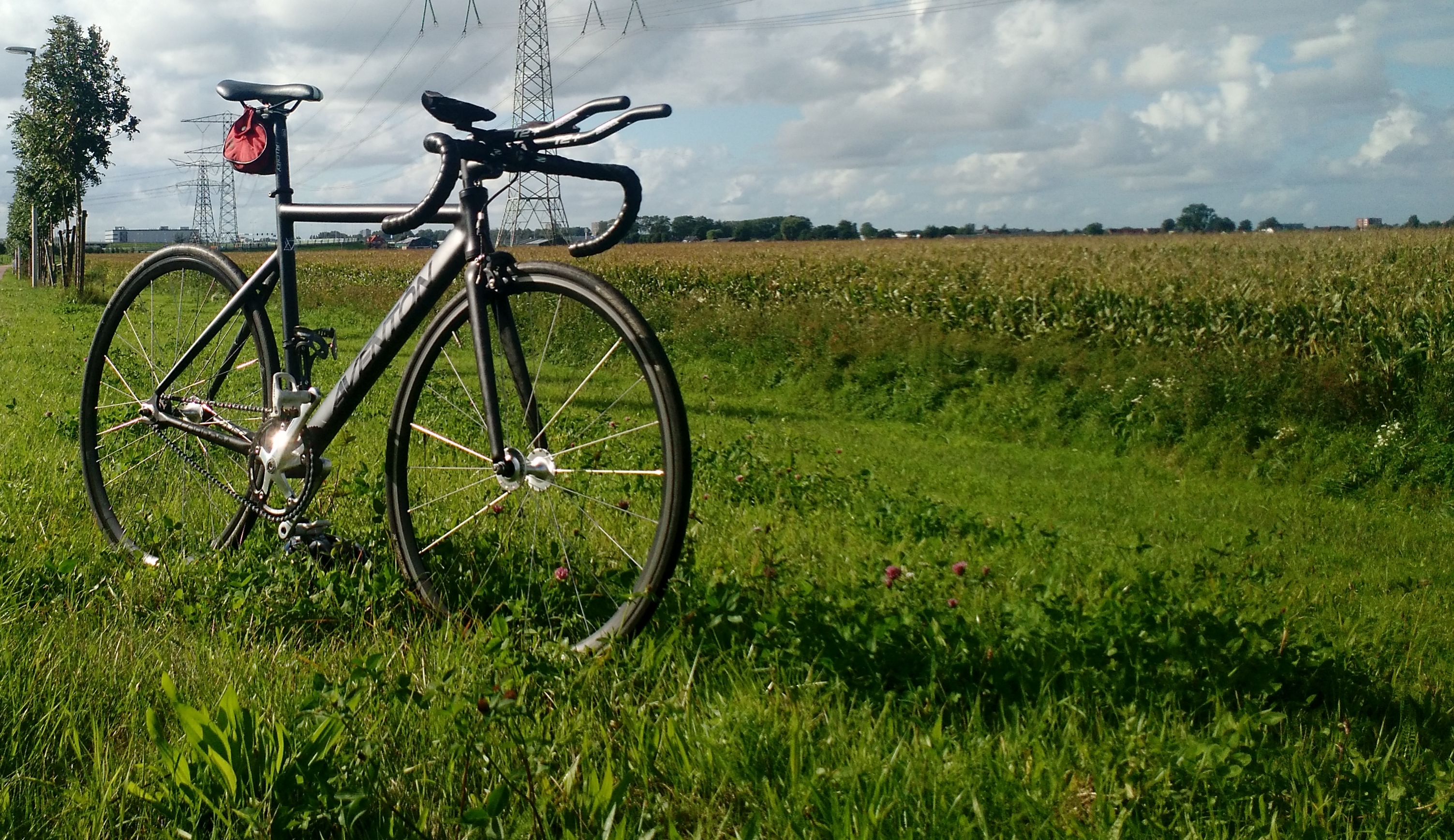
Does the older bicycle pictured have this feature?
No. The historical Cordoba owner build is non-electric and does not illustrate Pace 4 electronics or controls.
Use Aventon Pace 4 Sensor Switch as an adjustment to evaluate deliberately, with the correct firmware and visible mode confirmation. More model-specific explanations are available in our Aventon reference pages.